Physical Address
304 North Cardinal St.
Dorchester Center, MA 02124
Physical Address
304 North Cardinal St.
Dorchester Center, MA 02124

If you’ve been putting off that “Upgrade to Windows 11” notification, you aren’t alone. For years, Windows 10 has been the reliable, “no-nonsense” workhorse of the computing world. But with the October 14, 2025 end-of-support deadline looming, the conversation has shifted from “Why should I?” to “When must I?”
In this guide, we’ll break down the real-world differences between Windows 10 and Windows 11, focusing on performance, gaming, and productivity to help you decide if it’s time to move forward.
The most immediate difference is the “vibe.”
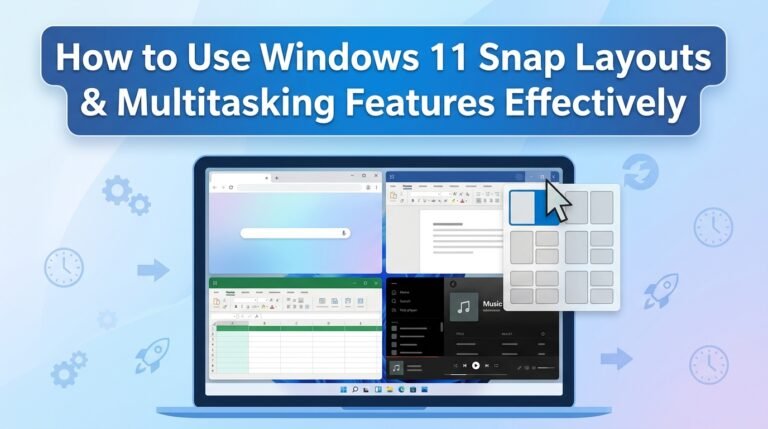
If you work with multiple windows, Windows 11 wins by a landslide.
For gamers, the upgrade is less about aesthetics and more about “under-the-hood” tech. Windows 11 was built with the Xbox Series X architecture in mind.
This is the most controversial part of Windows 11. To install it, your PC must have a TPM 2.0 (Trusted Platform Module) chip. While this hardware requirement frustrated many users with older PCs, it makes Windows 11 significantly more resistant to firmware attacks and malware. If your PC doesn’t meet this requirement, you’ll likely need new hardware to upgrade officially.
Microsoft has confirmed that Windows 10 will reach its End of Life on October 14, 2025.
Windows 11 is no longer the “buggy new kid.” It has matured into a stable, beautiful, and highly productive operating system. While Windows 10 remains a fantastic OS, the clock is ticking.
Ready to check if your PC is compatible? Search for the “PC Health Check” app on your computer or the Microsoft website to see if you’re ready for the jump!
If you will your own Windows 11 performance better to click here.